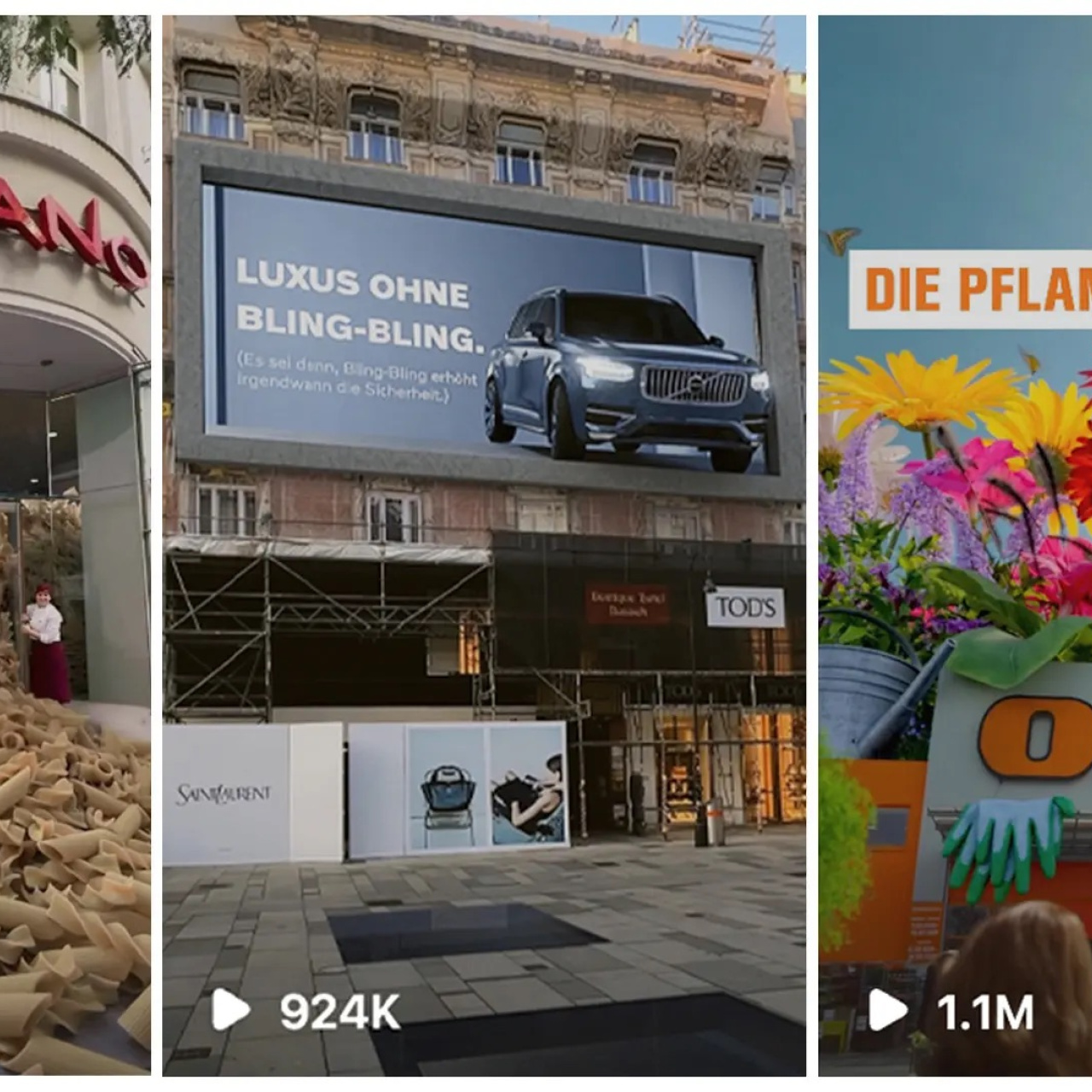
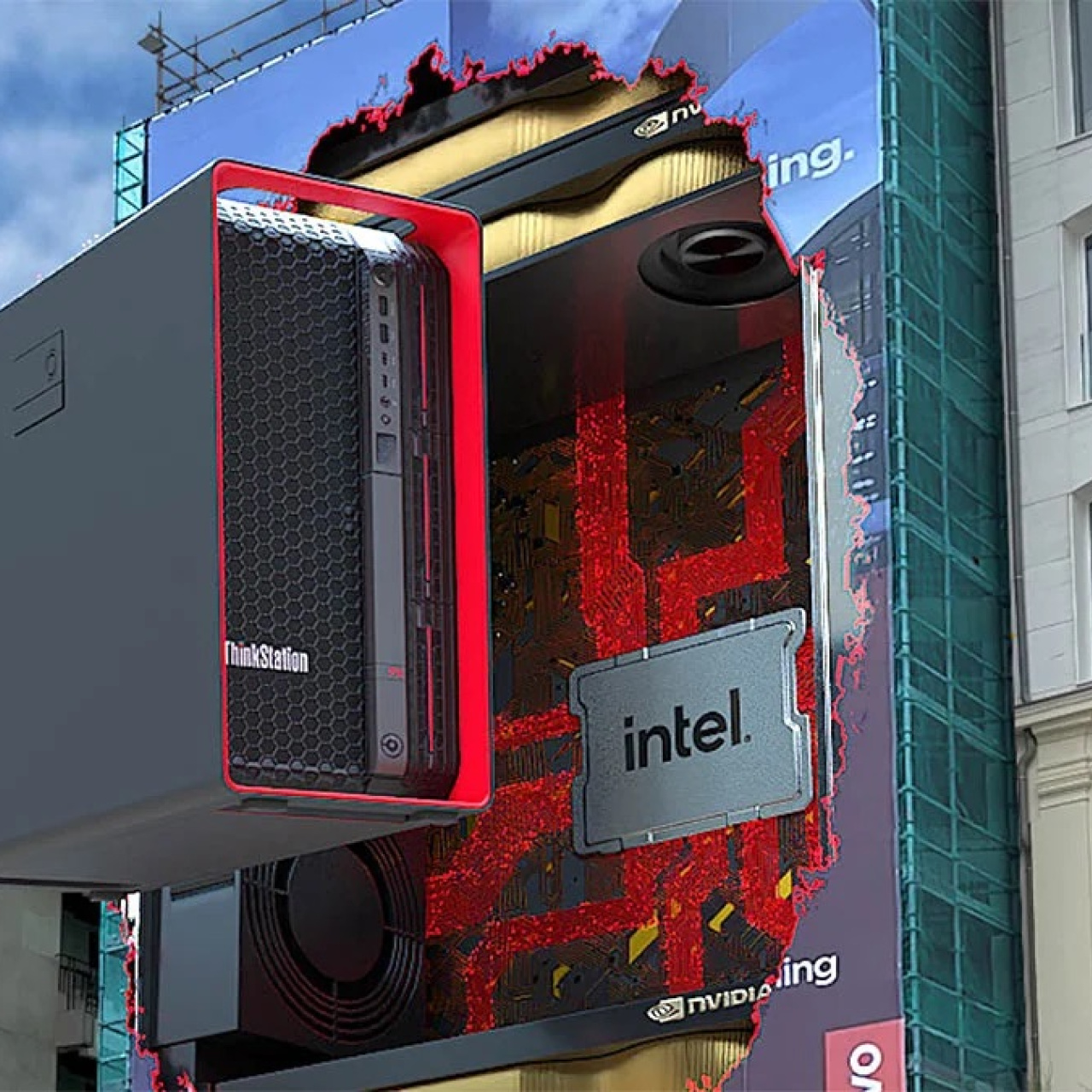
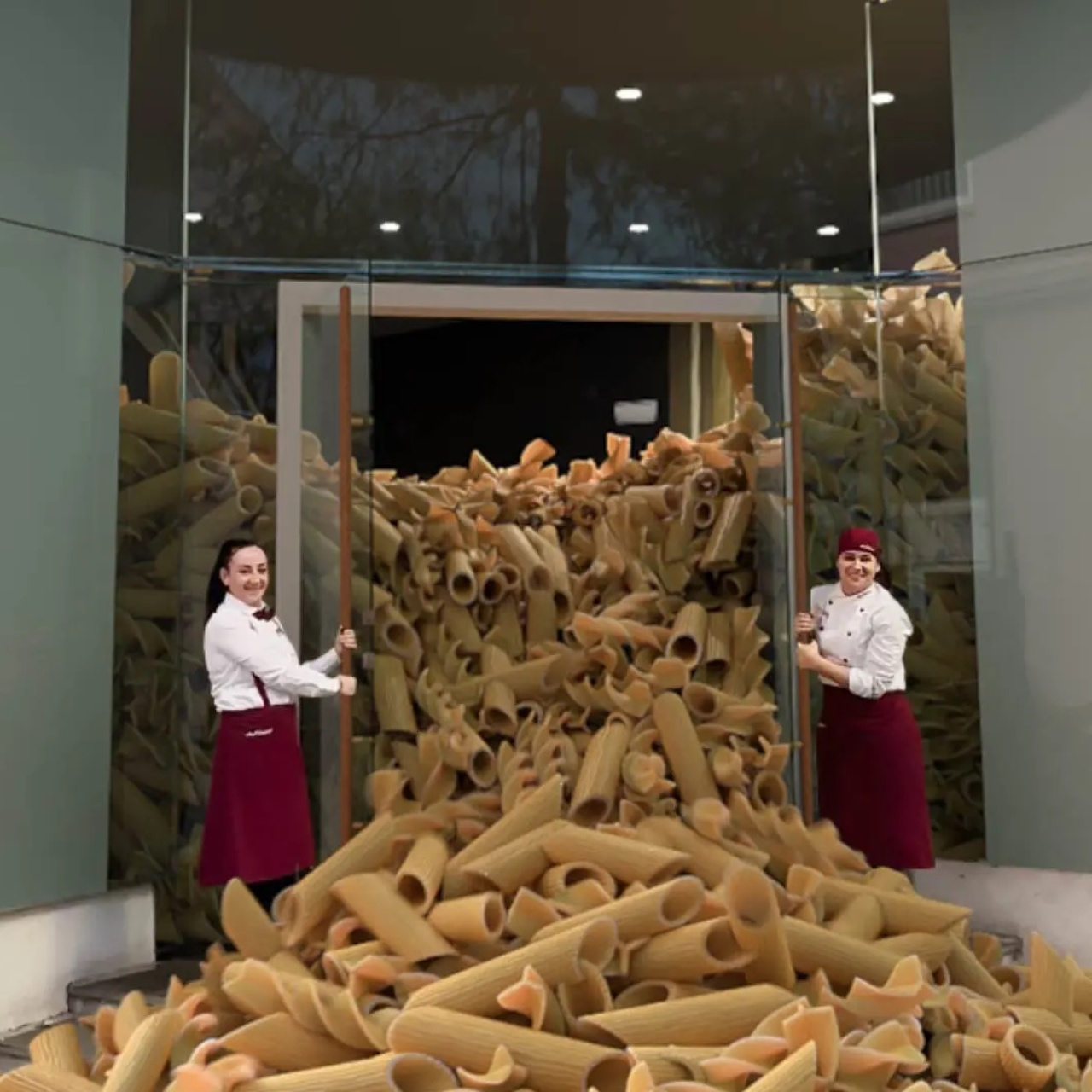
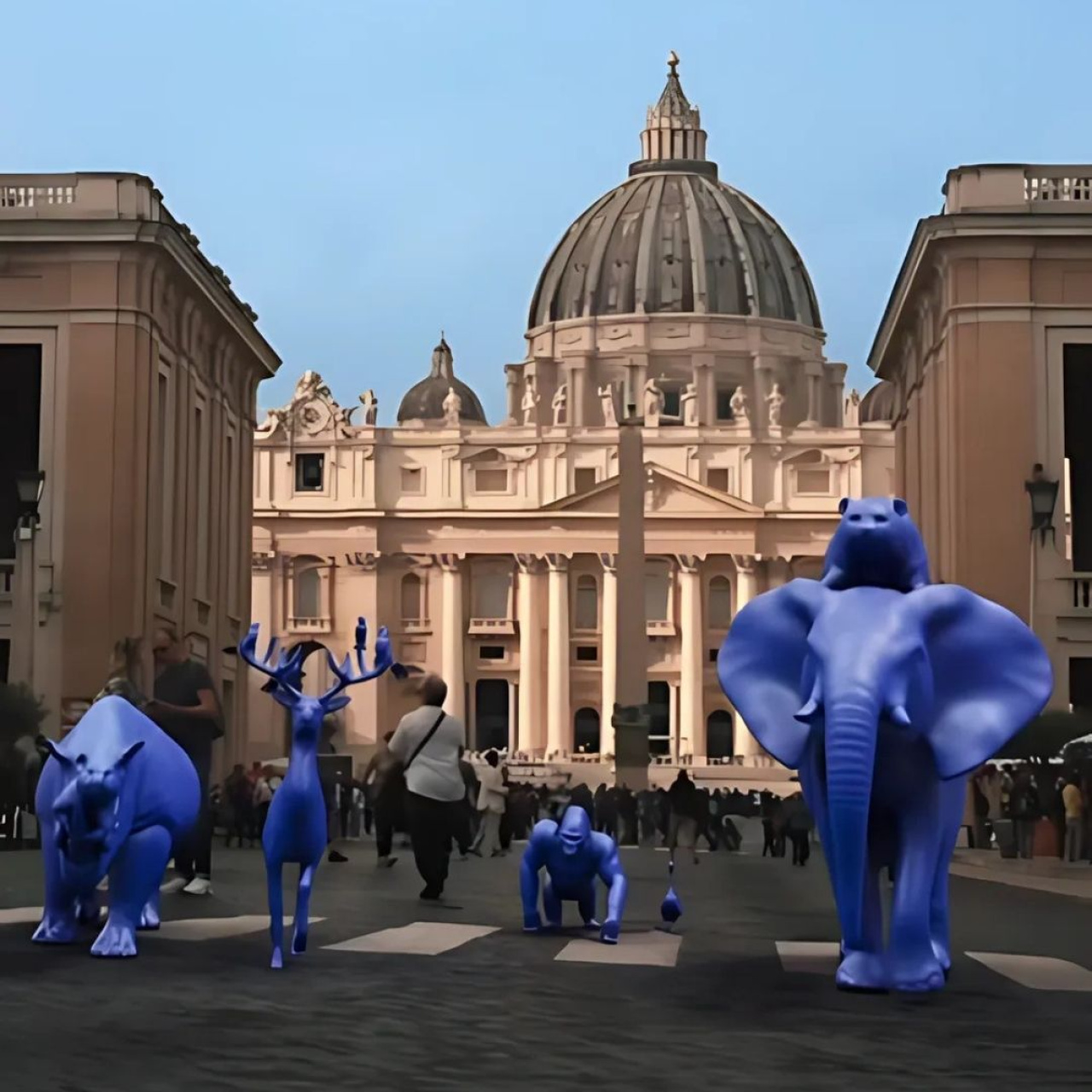
In Part I of this series, we focused on FOOH ideation: developing the visual hook, shaping the concept, and figuring out whether the idea was strong enough to hold attention in the first place.
But having a good idea is only half the process.
Once the concept gets approved, the campaign moves into pre-production. This is the stage where teams start figuring out how the ad will actually be filmed, how the CGI will integrate into the footage, what locations make sense, and whether the idea still works once real production limitations enter the conversation.
This stage helps creative teams, production crews, and VFX artists stay aligned before filming starts. It’s where locations get locked, technical requirements get mapped out, timelines get organized, and visual ideas get stress-tested against real production conditions.
In this guide, we’ll break down what happens during FOOH pre-production, which tools help streamline the process, and the key steps teams usually handle before production begins.
What Happens During FOOH Pre-Production?
Pre-production is the planning stage between ideation and filming.
During ideation, teams focus on the concept itself: the visual hook, the environment, and the overall direction of the campaign. Pre-production is where those ideas get tested against real production conditions like timing, budget, permits, weather, camera movement, and VFX feasibility.
This stage also helps align creative teams with production and post-production teams early. A FOOH concept might sound simple creatively but become difficult once lighting setups, tracking requirements, or location restrictions enter the process.
Solving those problems before filming usually saves far more time later, especially since poor communication alone is linked to roughly 30% of project failures according to project management research.
A big part of pre-production is organization. Multiple departments are often involved at the same time, so teams rely heavily on planning tools to keep schedules, references, approvals, and communication structured. That matters even more in short-form advertising environments where audiences decide quickly whether something is worth watching.
FOOH pre-production usually involves multiple moving parts at the same time. Teams are managing schedules, scouting locations, planning VFX integration, organizing references, and coordinating feedback before filming even begins.
That process becomes much easier when the right tools are involved early. These tools help organize production timelines, simplify visual planning, and improve collaboration between creative and technical teams. The goal is less about adding more software and more about reducing confusion before production starts.
Asana works well for managing production timelines, assigning tasks, and tracking approvals across teams. Since FOOH campaigns often involve overlapping creative and technical workflows, keeping deadlines visible helps prevent delays later during production.
It’s especially useful when multiple departments are working simultaneously. Creative teams, editors, VFX artists, and producers can all track progress without relying entirely on scattered messages or meetings. That structure matters because communication problems remain one of the biggest causes of production delays across industries.
Monday.com is especially useful for more complex production schedules where multiple moving parts need constant updates. This platform allows teams to build workflows around filming schedules, location approvals, VFX milestones, and post-production timelines inside one system.
That visibility becomes important once revisions and client approvals start overlapping. It helps teams see bottlenecks earlier instead of discovering delays halfway through production.
Notion is commonly used as a central workspace during pre-production. Teams can use Notion to organize storyboards, references, production notes, shot lists, and schedules inside the same workspace to avoid fragmented planning.
Since FOOH campaigns generate a large amount of reference material, having everything stored in one place usually makes collaboration easier.
Google Sheets still remains one of the most practical planning tools during production. Many teams use it for budgeting, scheduling, resource tracking, equipment lists, and production calendars.
Its collaborative structure also makes quick updates much easier during fast-moving productions.
2. Storyboarding and visual planning tools
Before filming begins, teams usually need a clearer visual breakdown of how the campaign will unfold. This helps identify pacing problems, weak transitions, or technical limitations before production starts.
That planning matters because short-form video content competes in extremely crowded feeds where viewers often decide within seconds whether to continue watching and studies around short-form content behavior show users are highly sensitive to pacing and visual clarity.
Celtx is a tool that helps organize scripts, shot lists, production schedules, and breakdowns inside one platform. It’s especially useful during larger productions where multiple scenes, actors, or VFX sequences need coordination.
Since everything stays connected inside the same workspace, teams can spend less time managing disconnected files manually.
Frame.io can be used for reviewing visual references, approving edits, and organizing feedback across creative teams. During pre-production, it also helps teams plan sequences and discuss visual direction before filming starts.
This becomes extremely valuable during FOOH projects where timing and visual clarity matter heavily in short-form content.
Miro works well during early visual planning because teams can map out concepts, references, shot flow, and production notes visually inside one workspace.
FOOH concepts often evolve through multiple revisions, so having a flexible board where ideas can be rearranged quickly helps keep planning organized.
Canva is another useful platform for quick mood boards, storyboard drafts, and rough campaign presentations. Teams can test visual directions quickly without needing advanced design software.
Since concepts often change during pre-production, Canva helps simplify revisions while keeping presentations client-friendly and easy to understand.
Location choice affects the pre-production process more than you think. Teams need to evaluate lighting conditions, foot traffic, environmental distractions, filming permits, and logistics.
FOOH ads rely heavily on believability, so environments also need to feel recognizable enough for viewers to process quickly while still leaving room for the CGI elements to stand out.
Google Street View helps teams scout environments remotely before visiting locations physically. This speeds up early planning because teams can evaluate streets, landmarks, camera angles, and surrounding elements ahead of time.
For global campaigns, this also helps narrow down location options much faster.
Set Scouter is designed specifically for production location scouting. Teams can search for filming spaces, contact property owners, compare locations, and organize bookings directly through the platform.
This becomes especially useful when campaigns need more controlled or visually unique environments.
Sun Seeker helps track sunlight direction throughout the day. Since lighting consistency affects CGI integration heavily, understanding sun position beforehand helps teams schedule shoots more accurately.
This is particularly important for many FOOH campaigns filmed outside that rely on realistic shadows and environmental lighting.
FOOH productions usually involve multiple teams working simultaneously: creative directors, production crews, editors, VFX artists, clients, and project managers.
Without organized communication, small misunderstandings can create expensive revisions later. These tools help minimize one of the biggest contributors to project failure and production inefficiency.
Slack is one of most popular tool in centralizing communication during production planning. Teams can organize conversations into channels for locations, VFX planning, production updates, client approvals, or scheduling discussions.
This also keeps information easier to track compared to scattered email threads.
Google Workspace tools like Docs, Sheets, and Drive help teams collaborate on schedules, production notes, scripts, and approvals in real time.
Since pre-production often changes quickly, having live collaborative documents usually reduces version confusion and keeps everyone aligned.
9 Key Steps Before Filming a FOOH Campaign
1. Lock the creative direction early
Before production begins, teams need clarity on the core concept. The visual hook, environment, and product interaction should already feel stable before scheduling shoots or building timelines.
Even small creative changes later can affect production, editing, VFX, and budgeting simultaneously. That matters because revisions become significantly more expensive once projects move further into production. Poor planning and shifting priorities are major contributors to budget overruns and failed projects.
2. Plan how the CGI will interact with the environment
FOOH works best when the 3D elements feel connected to the real-world footage naturally.
That means teams need to think about object placement, reflections, shadows, scale, and camera movement before filming begins. These details affect whether the final illusion feels convincing once viewers see the finished ad online.
This is especially important because viewers form impressions of visual content within seconds, and audiences make quick decisions about whether something feels believable enough to keep watching.
3. Scout locations properly
The location affects lighting, composition, crowd movement, filming permissions, and overall visibility.
Some concepts become significantly harder once real-world production conditions enter the process, so location testing early usually prevents expensive changes later.
4. Build detailed shot lists and storyboards
Storyboards help teams visualize pacing and sequencing before filming starts.
Detailed shot lists also help production crews capture footage that VFX teams can actually work with later during compositing.
This planning stage becomes especially useful in short-form advertising because pacing problems become obvious much faster in 10 to 15 second videos. Clear sequencing also reduces unnecessary reshoots later during editing and post-production.
5. Brief production and VFX teams together
Production and post-production teams need the same understanding of the campaign before filming starts.
Misalignment around camera movement, framing, or lighting setups can create unnecessary complications once CGI integration begins later.
Communication matters heavily here. Studies on project management regularly identify communication failures as one of the biggest causes of production inefficiency and missed deadlines.
6. Prepare actors for CGI interaction
Actors that will be appearing in your FOOH ad will react to digital objects that don’t physically exist during filming. So clear direction around positioning, timing, and movement helps performances feel believable once the VFX gets added later.
Even small mismatches in eye lines or movement timing can make CGI interactions feel unnatural. Preparing actors beforehand usually reduces the amount of correction work needed later during post-production.
7. Account for weather and environmental conditions
Outdoor filming introduces variables like wind, changing sunlight, rain, or inconsistent shadows.
Strong pre-production planning usually includes backup schedules or alternative setups if conditions shift unexpectedly. Lighting consistency becomes especially important in FOOH campaigns because mismatched environmental lighting can break the illusion quickly once CGI gets composited into the footage.
8. Test concepts before full production
Mockups, rough edits, or simple previsualizations often expose weaknesses early.
Sometimes the pacing feels unclear. Sometimes the CGI interaction doesn’t read properly once placed into a real environment. Catching those issues early is far cheaper than rebuilding the concept later.
This step matters because audiences process visual information extremely quickly online. If the concept feels confusing at first glance, most viewers simply continue scrolling instead of trying to figure it out.
9. Keep communication consistent throughout planning
FOOH campaigns involve constant coordination between creative and technical teams.
Consistent updates, organized references, and shared production documents help reduce confusion before filming begins.
This becomes especially important once multiple departments start working simultaneously. Organized communication helps prevent duplicated work, missed approvals, and production delays that can affect both timelines and budgets.