Table of Contents
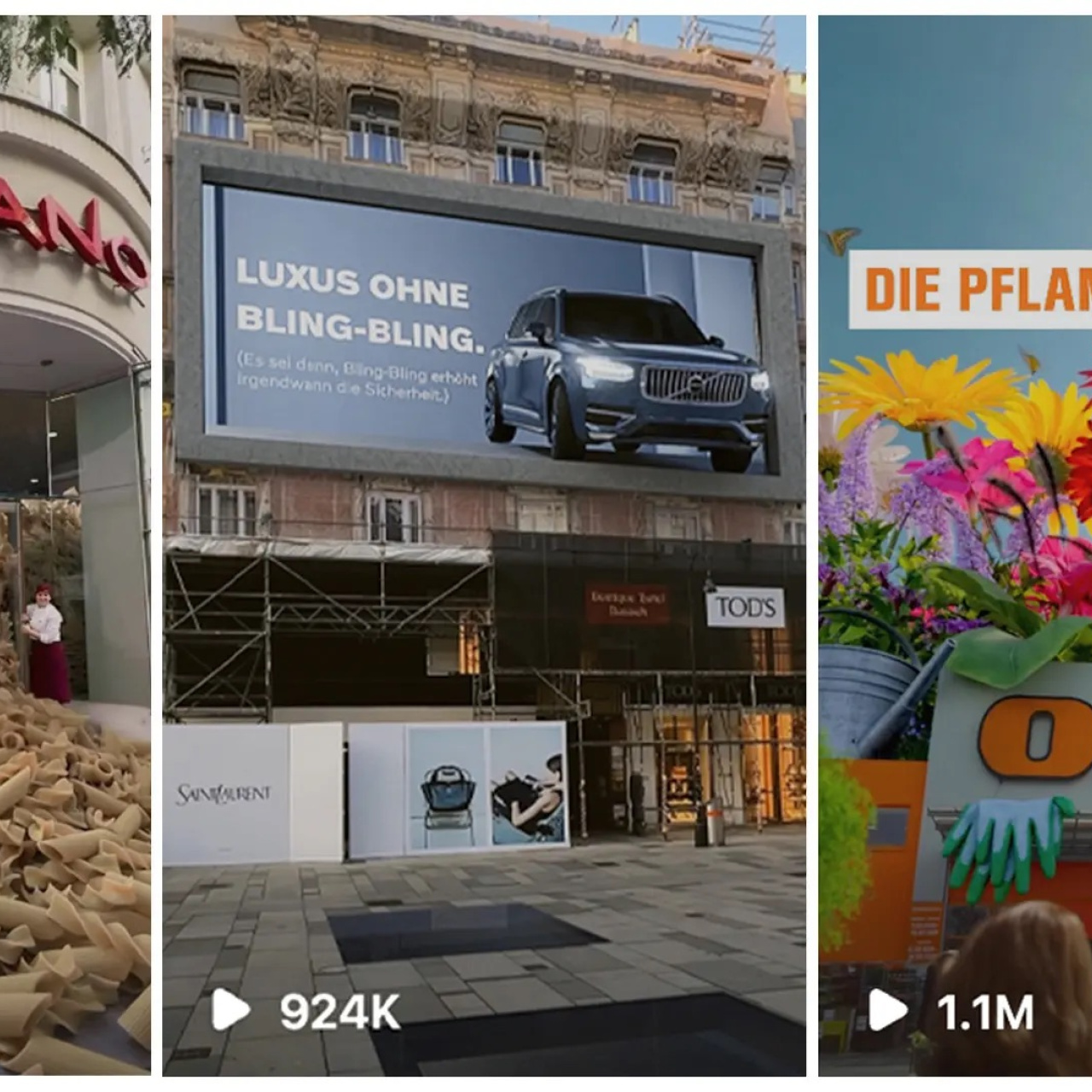
Fake Out of Home ads usually run 8 to 15 seconds on short-form platforms, but getting to that final clip takes a lot more than it looks. What you see is just the surface.
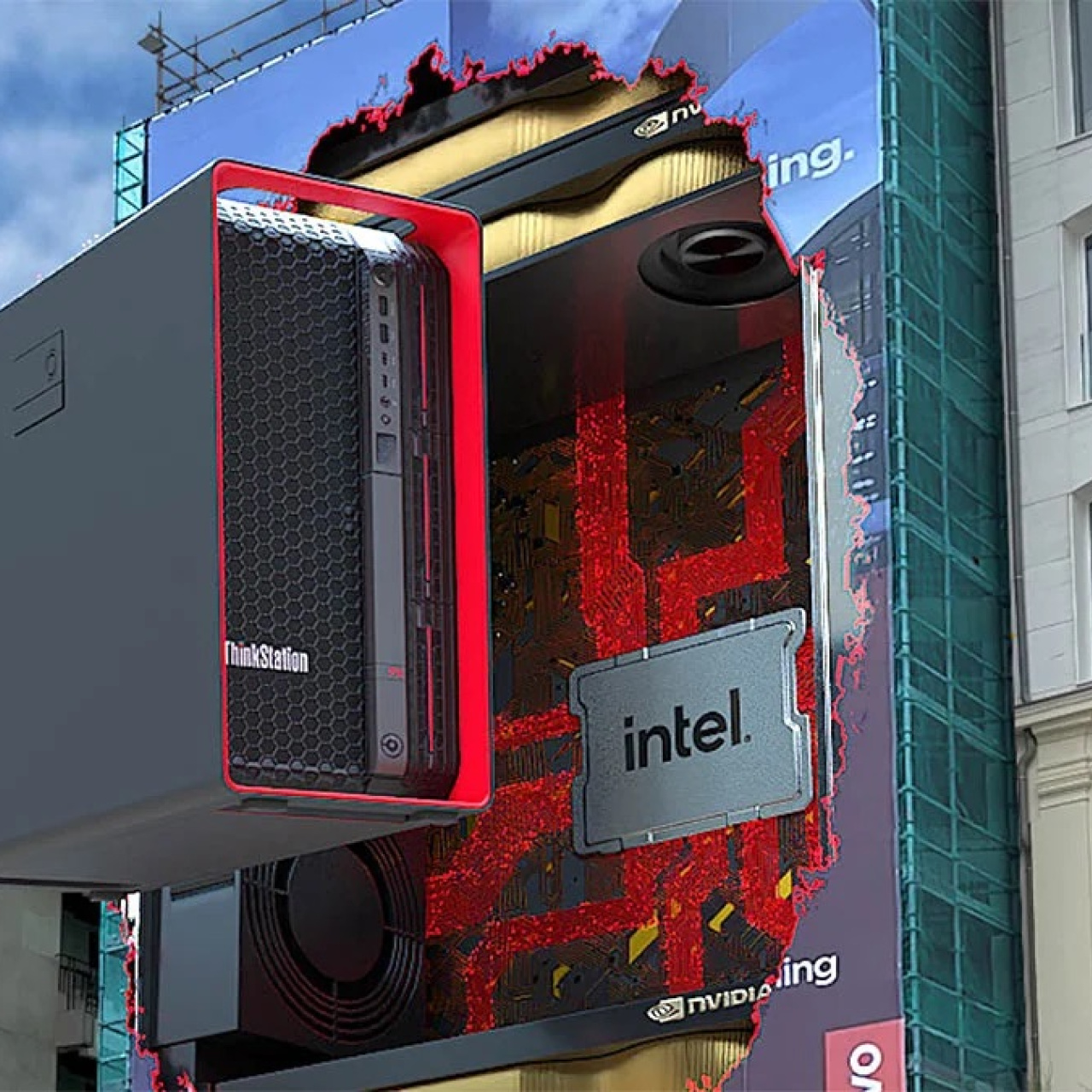
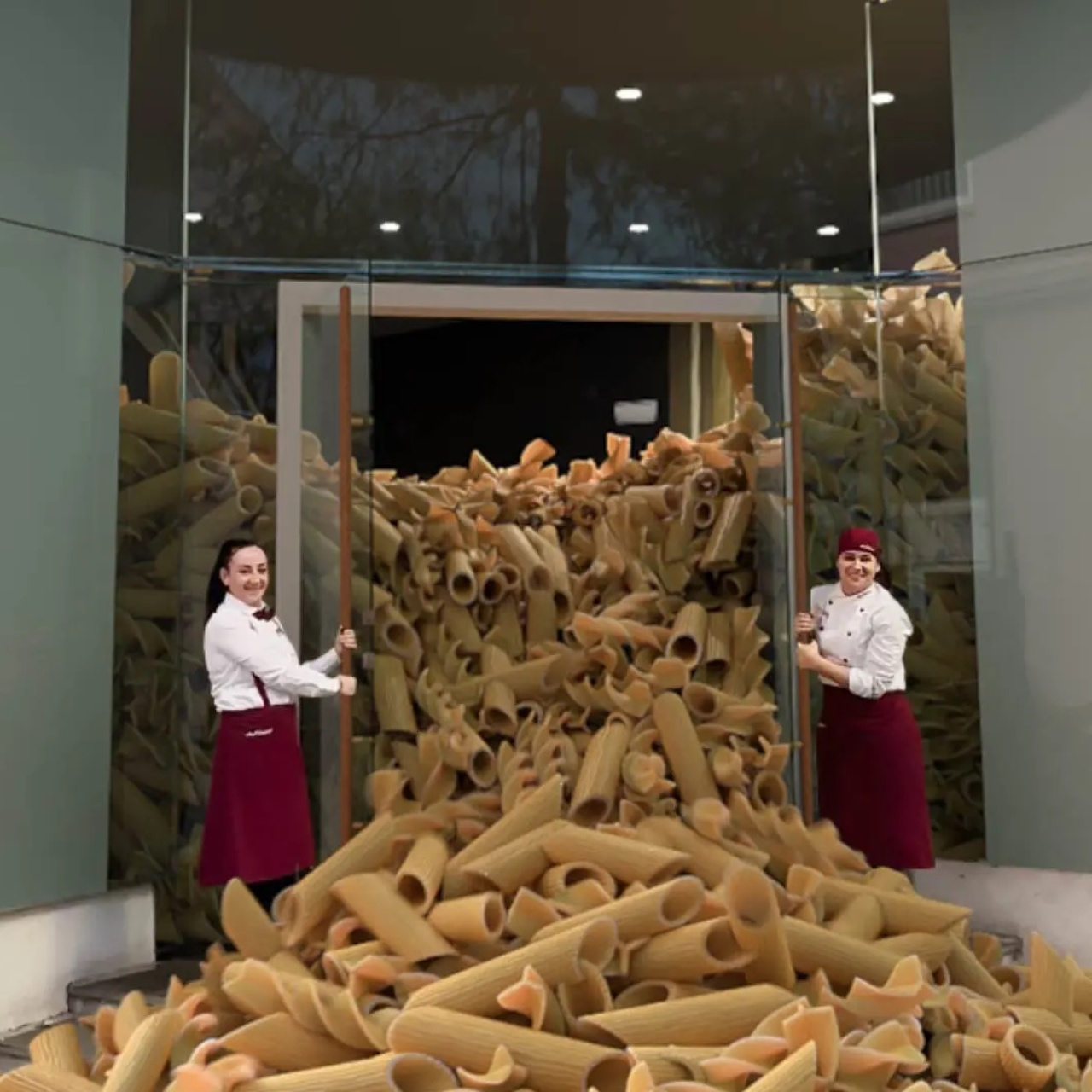
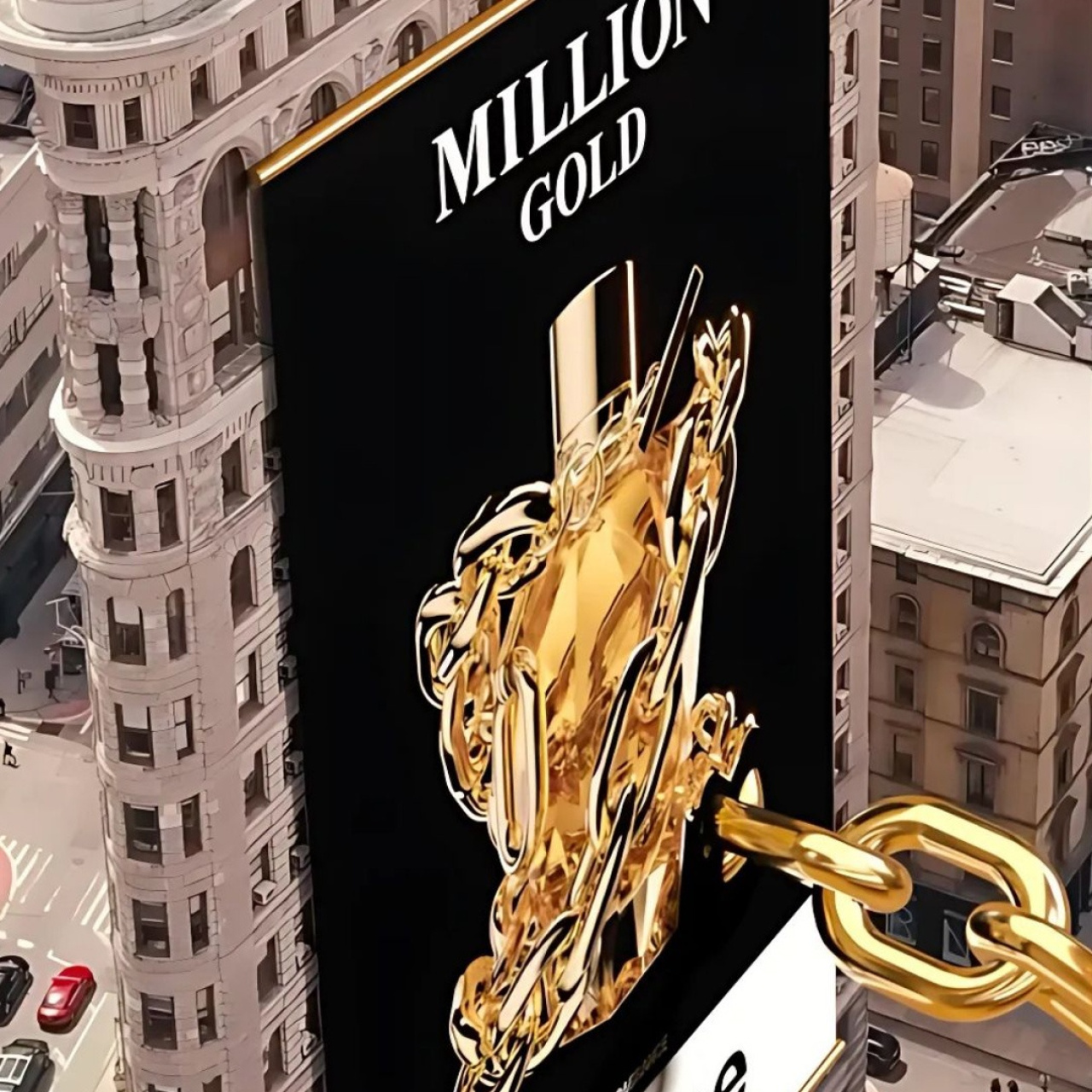
Most of the work happens in decisions you don’t notice: how the shot is set up, how stable the footage is, how closely the CGI matches the scene. Fake Out of Home combines real-world footage with hyperrealistic 3D elements, in a way that makes people pause scrolling and take a second look.
In this article, we break down how FOOH ads actually come together, the key stages behind production, and where the details make the biggest difference.
7 Steps: How FOOH Ads Come Together
FOOH ads are built in layers. What makes this process different from traditional ads is how much of the work happens before and after the shoot. The footage itself is only one part of it.
Most of the control comes from how well the idea is planned and how clean the integration is later on.
1. Ideation and concept development
Everything starts with a visual idea that can stand on its own. It needs to make sense without explanation and work in a real environment, not just as an abstract concept. This is where references, rough sketches, and quick mockups come in: they help test if the idea actually holds up when placed in a real setting.
A lot of ideas fall apart at this stage. SO getting this right early makes the rest of the process more straightforward.
2. Pre-production planning
Once the concept is clear, it gets translated into something the team can execute. That means storyboards, shot lists, and decisions around how the scene will be captured. Location, lighting, and camera movement all need to be thought through before anything is filmed.
This stage also handles logistics: permits, schedules, and coordination between teams. It’s less visible, but it prevents problems later. A rushed or unclear plan usually shows up during shooting or post-production, where fixes take more time.
3. Shooting and capturing footage
Filming is about getting footage that’s easy to work with later. That means stable shots, controlled movement, and consistent lighting. The goal isn’t to make it look finished, it’s to make it usable.
Anything unpredictable: quick pans, changing exposure, shaky camera work, objects blocking social buttons, makes tracking harder. And when tracking is harder, everything that follows takes longer. Clean footage keeps the rest of the process efficient.
4. Camera tracking
After the shoot, the camera’s movement is mapped into a 3D space. This is what allows digital objects to follow the same motion as the original footage.
This step often goes unnoticed, but it’s one of the most important. It’s what anchors the CGI to the real scene. When it’s done well, the added elements feel like they belong there.
5. Rotoscoping and masking
Before adding effects, parts of the footage need to be separated. This could be a person, an object, or a section of the scene. Rotoscoping creates clean edges so new elements can be placed correctly.
It’s detailed work and can take time, especially in complex shots. But it gives control over what stays in front, what goes behind, and how everything interacts. Without it, the final composition feels messy or layered incorrectly.
6. Creating visual effects (VFX)
This is where the concept starts to take shape visually. Objects are built, animated, and adjusted to match the footage. Scale, lighting, and movement all need to line up with the real environment.
If something feels off here, it’s usually because one of those elements doesn’t match. A shadow in the wrong direction or movement that doesn’t follow the scene can break the illusion quickly. This stage is where most of the refinement happens.
7. Compositing and editing
All elements come together in this final stage. The real footage and CGI are combined, and details like shadows, reflections, and color are adjusted so everything feels connected.
After compositing, the video is edited, timing, pacing, and sound are refined. This is where the ad becomes watchable as a whole. The goal is simple: the viewer shouldn’t have to think about how it was made.
5 Reasons Why the Right Tools Matter in FOOH Production
The process above only works as well as the tools behind it. Each step, tracking, modeling, compositing, relies on software that can handle precision and speed at the same time. When tools fall short, it shows up in the final result.
For agencies, this isn’t just a technical detail. It affects how fast you can move, how far you can push ideas, and how consistent your output is across projects.
1. They affect how realistic the final result looks
Tracking, lighting, and compositing all depend on the tools being used. If the software can’t handle precision, small misalignments start to show. That’s usually where the illusion breaks.
Better tools don’t fix a weak concept, but they help a strong one hold up. They make it easier to match the real scene closely enough that the viewer doesn’t question it.
2. They speed up production
FOOH involves multiple stages, and each one can slow things down if handled manually. Tools that automate parts of the process: tracking, masking, rendering, reduce that time.
This matters when timelines are tight. Faster workflows mean more room to iterate, test variations, and improve the result without delaying delivery.
3. They allow more complex ideas
Some concepts depend on simulations or detailed rendering. Without the right tools, those ideas either take too long or don’t translate well into a final output.
The tools set the limit for what’s possible. When they’re capable, teams can push ideas further without adding unnecessary complexity to the workflow.
4. They improve consistency across the project
Each stage of production needs to align with the others. If tracking, VFX, and compositing are handled with different levels of precision, the final result feels uneven.
Using reliable tools across the process keeps everything consistent. That reduces rework and makes the output easier to control.
5. They support collaboration
FOOH projects usually involve multiple people working on different parts of the same video. Files need to move between teams without breaking anything in the process.
Tools that integrate well make that easier. They help keep everything organized and reduce friction between stages, which keeps the project moving.
5 FAQs About FOOH & VFX Tools
1. What is VFX in advertising?
VFX covers any digital element added to video footage. That could be something subtle, like adjusting lighting, or something more visible, like placing a large object into a real-world scene.
In FOOH ads, VFX is what makes the concept possible. It’s how you take a real location and introduce something that wouldn’t exist there physically. The goal isn’t to make it look perfect—it’s to make it believable enough that the viewer accepts it without questioning it too much.
2. Which software is commonly used for FOOH ads?
FOOH production usually involves a mix of tools, each handling a specific part of the process. No single software does everything well, so teams combine them depending on what the project needs.
Common tools include:
Adobe After Effects for tracking and compositing
Cinema 4D for 3D modeling and animation
Unreal Engine for real-time rendering
Blender as a flexible, free option for 3D work
Nuke for more advanced compositing
The choice depends on the complexity of the project. Simpler ads can be handled with lighter setups, while more detailed work usually requires stronger compositing tools.
3. Why do sound effects matter in FOOH ads?
Even when the visual carries the idea, sound still plays a role. Small details—ambient noise, movement sounds, subtle effects—help the scene feel more grounded.
Without sound, the video can feel flat or disconnected, even if the visuals are strong. It doesn’t need to be complex, but it should match what’s happening on screen. That consistency helps the final result feel more complete.
4. Are there free tools available?
There are solid free options, especially for smaller teams or early-stage work. Blender is a strong example—it handles modeling, animation, and rendering in one place. DaVinci Resolve is also widely used for editing and color.
These tools are enough to produce high-quality results if used well. For more complex projects, teams might still move to paid software, but free tools are a practical starting point and are often part of the workflow even at higher levels.
5. What’s the difference between After Effects and Nuke?
Both tools are used for compositing, but they serve different needs. After Effects is more accessible and works well for straightforward edits, especially when speed matters.
Nuke is used for more complex work. It handles detailed compositing, better control over layers, and more precise integration of CGI into real footage. The tradeoff is that it takes more time to learn and set up, so it’s usually used in higher-end production.